24-10-2023
04:36
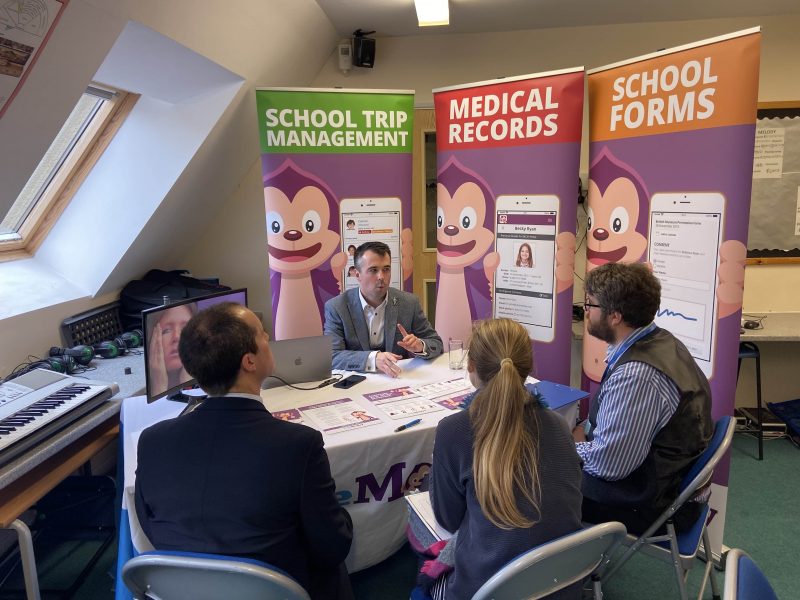
Our team sorts through all blog submissions to place them in the categories they fit the most - meaning it's never been simpler to gain advice and new knowledge for topics most important for you. This is why we have created this straight-forward guide to help you navigate our system.
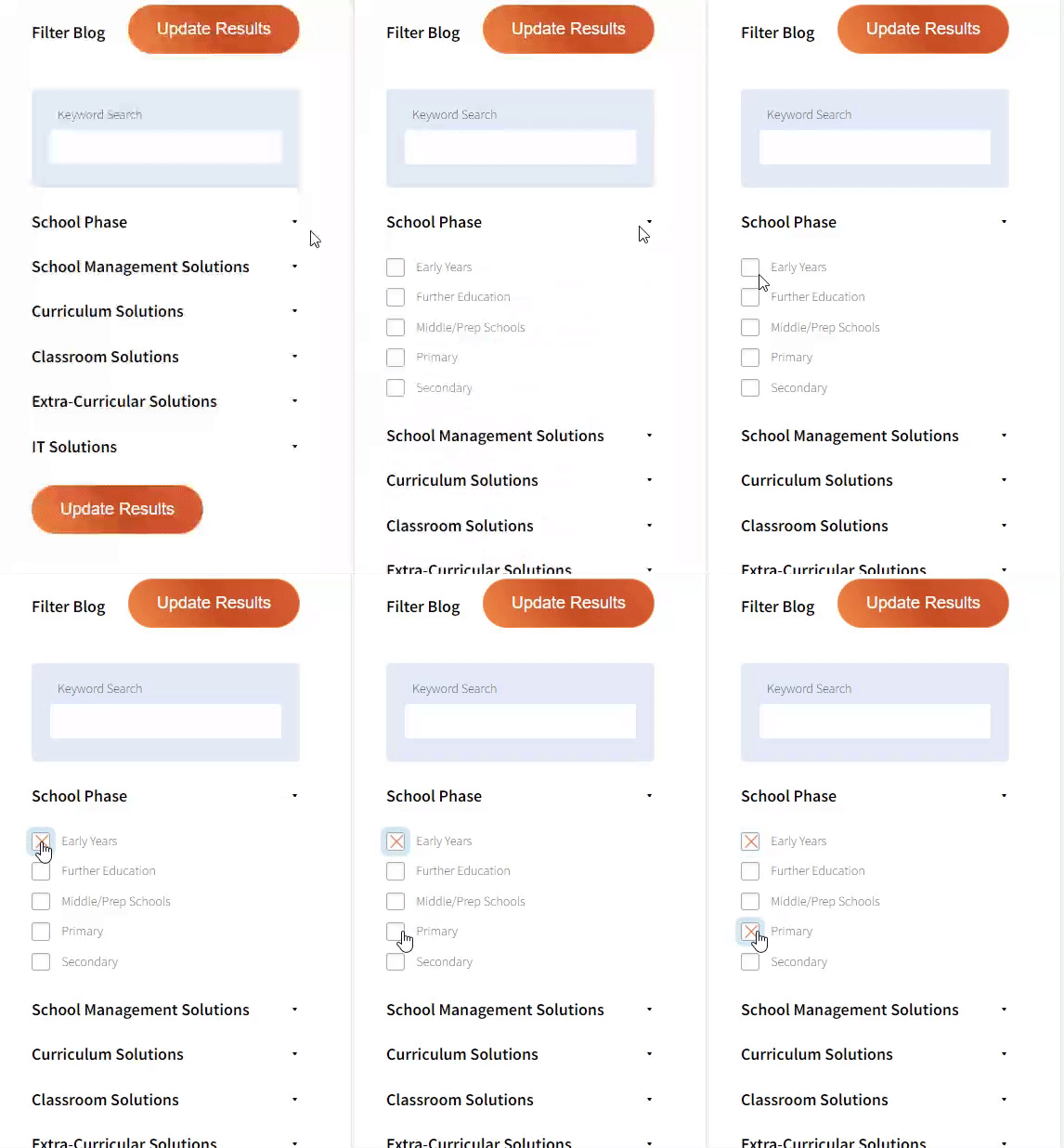
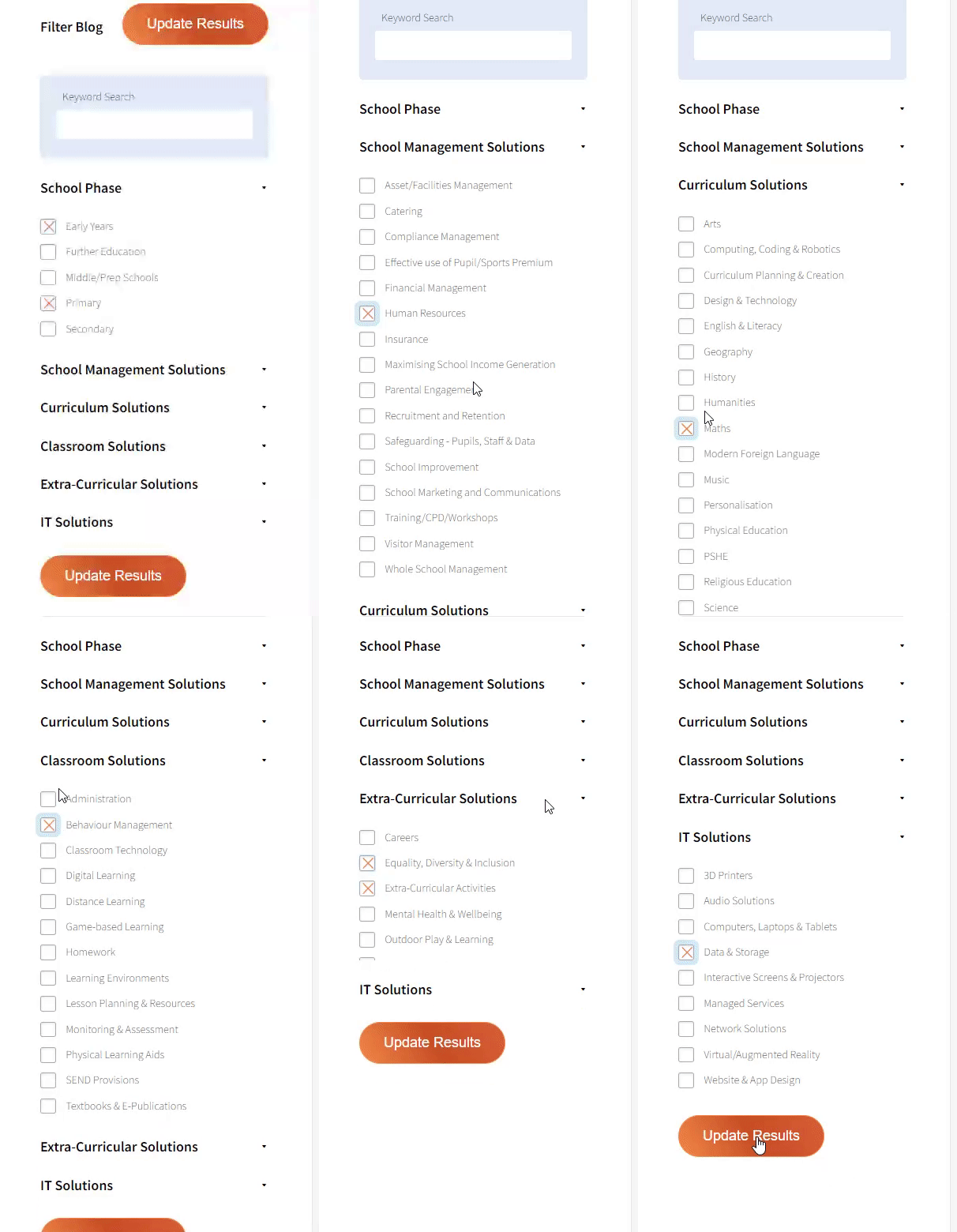
And there you have it! Now your collection of blogs are catered to your chosen topics and are ready for you to explore. Plus, if you frequently return to the same categories you can bookmark your current URL and we will save your choices on return. Happy Reading!
Many schools now sit on a growing pile of “lecture dumps”: recorded lessons, revision sessions, cover work, and remote-learning videos parked in Google Drive, Teams, or the VLE. The content is there. The learning often is not.
Pupils press play, feel busy, and still struggle to retrieve ideas in the next lesson or in the exam hall. Senior leaders see the pattern in underused recording libraries and in last-minute binge-watching before mocks.
The fix is not another platform for storing video. It is a simple retrieval practice loop that turns recordings into repeated recall, feedback, and spaced revisit- in the classroom and at home. Leaders looking for ways to study recorded lectures efficiently with pupils will recognise the same sequence: encode briefly, retrieve hard, check fast, then space and mix.
Lecture capture and recorded lessons are useful for absence, catch-up, and flexible revision. Left alone, though, they invite three habits that look like study and behave like comfort:
• Rewatching end to end– familiarity rises; exam-ready recall may not.
• Note-taking that copies the soundtrack– pages fill up; thinking stays shallow.
• Cramming the archive the night before– high effort, weak spacing.
Cognitive science has a blunt message for school practice: learners remember more when they pull knowledge out of memory than when they only restudy it. Recordings should feed that retrieval, not replace it.
Rewatch versus retrieve: familiarity is not the same as exam-ready recall
Keep the loop visible for staff and pupils:
Encode → Retrieve → Check → Space → Mix
| Stage | In practice | Leader / teacher move |
| Encode | Watch a short segment of the recorded lesson with a clear goal | Provide chaptered recordings or tell pupils where to pause |
| Retrieve | Close the screen and answer 3–8 prompts from memory | Supply prompt stems; cold-call or mini whiteboards next lesson |
| Check | Compare with notes, mark scheme, or the timestamped clip | Build “repair” into homework: jump to 04:12, not rewatch all |
| Space | Revisit the same prompts tomorrow / in a few days / before assessment | Put retrieval into homework calendars and starter routines |
| Mix | Combine prompts across lessons and topics | Prefer mixed starters over “yesterday only” review |
This works for classroom recordings as well as YouTube-style uploads. The medium matters less than the loop.
From lecture dump to retrieval prompts and spaced revisit
Use this after a recorded lesson, a flipped pre-watch, or a revision dump:
• Two minutes- goal
• “By the end, you should explain / calculate / compare ___.”
• Six to eight minutes- segmented watch
• Play only the critical segment (worked example, definition, practical demo). Pupils may jot keywords, not transcripts.
• Four minutes- silent retrieval
• Boards or books closed for content. Pupils answer prepared prompts.
• Three minutes- check and repair
• Reveal answers; replay a 30–60 second clip only where errors cluster.
• Two minutes- schedule the next hit
• Same prompts return in tomorrow’s starter or as a short homework set.
Heads of department can standardise the prompt sheet so cover teachers and TAs can run the same loop without reinventing materials.
If your school is still recording lessons, small design choices make retrieval easier later:
• Chapter the recording (or add slide numbers on screen).
• State the learning intention verbally in the first minute.
• Leave a “pause here and try” beat after worked examples.
• End with three retrieval questions spoken aloud on the recording.
• Store prompts with the video link in the same folder- not in a separate mystery document.
For legacy dumps already sitting in the VLE, run a short faculty sprint: each subject selects the ten highest-value recordings for the next assessment window and writes a one-page retrieval sheet for each. Quality beats quantity.
Replace “watch the recording again” with:
• Answer the retrieval sheet from memory (timer: 10 minutes).
• Mark yourself; list timestamps to repair.
• Rewatch only those moments.
• Bring one remaining misconception to the next lesson.
That instruction is kinder to workload and more honest about what helps. It also gives form tutors and pastoral staff a concrete study script for pupils who say they are “revising on the computer for hours.”
Most of this loop needs nothing beyond the VLE, a document, and classroom routines. Where pupils already revise from long online lecture uploads, a free Chrome extension for YouTube lecture notes can sit beside the player as an optional drafting aid. SummarizAI is one example of an on-page YouTube study panel that helps pupils pull key points or candidate prompts from a video segment before they edit them into proper retrieval questions. Keep tools secondary: the pedagogy schools need is still retrieve, check, space, and mix.
• Name the problem publicly: “We are rich in recordings and poor in retrieval.”
• Protect starter time for mixed retrieval, not admin.
• Ask in learning walks: “Where do pupils recall without the screen?”
• Quality-assure the archive: fewer curated, chaptered lessons with prompt sheets beat hundreds of unindexed dumps.
• Align with assessment: mocks should reward the same recall and application the loop trains. • Share one worked example per faculty in a briefing- modelling beats another policy PDF.
Day 1: Pick one upcoming assessment topic and three existing recordings.
Day 2: Write retrieval sheets (8–12 prompts each) with timestamps.
Day 3–4: Run the 15-minute classroom loop; set the homework version.
Day 5: Mixed starter using cards from all three recordings.
Following week: Compare exit-ticket or hinge-question performance with a parallel class that only rewatched.
Keep the evaluation light. You are looking for clearer pupil explanations and fewer “I watched it but forgot” comments- not a randomised trial.
Lecture dumps are not a strategy. They are an opportunity.
Schools that turn recordings into a retrieval practice loop give pupils something more valuable than unlimited pause-and-rewind: repeated chances to think hard, find out what they missed, and meet the same ideas again before it counts. That is practical, affordable, and firmly in the gift of teachers and senior leaders- starting with the next recording already sitting in your drive.





Are you looking for solutions? Let us help fund them! Nexus Education is a community of over 11,000 schools that come together to share best pract... View More
Established in 2011, One Education is a company at the heart of the education world, supporting over 600 schools and academies. Our unique appeal a... View More
School Space is a social enterprise that has empowered schools for over 14 years through their profitable and hassle-free lettings services. So far... View More
Unify is an online sales and marketing tool that allows users to create tailored personalised documents in moments. View More
There’s nothing special about the energy we sell. In fact, it’s exactly the same energy as all our competitors provide. But there is something spec... View More
Securus provide market-leading monitoring solutions to safeguard students on ALL devices both online and offline. We also offer a full monitoring s... View More
Robotical makes Marty the Robot - a walking, dancing coding robot that makes programming fun and engaging for learners as young as 5. Our robots co... View More